01
The specification
A schedule instead of a spreadsheet. Item cost, markup, shipping, and client price on the line — with images, comments, and a path to a purchase order.
Interior design
A schedule instead of a spreadsheet. A dashboard instead of a PDF. An invoice built from the work you already logged.
Schedule
Search
Kitchen Renovation
2Pendant Lighting
Kitchen
Counter Stools
Dining
Primary Suite
2Bedside Sconces
Bedroom
Area Rug
Bedroom
Planning
2Confirm tile lead times
Tomorrow
Finalize plumbing specs
Thu
In Progress
2Request quote from vendor
Today
Send client revision set
Fri
Done
2Approve vanity selection
Completed
Attach install notes
Completed
Search products...
Tile Fabric
Linen Weave Upholstery
Loom Studio
Fabric
$89 Trade

Handmade Zellige Tile
Atlas Clay
Tile
$24 / sq ft
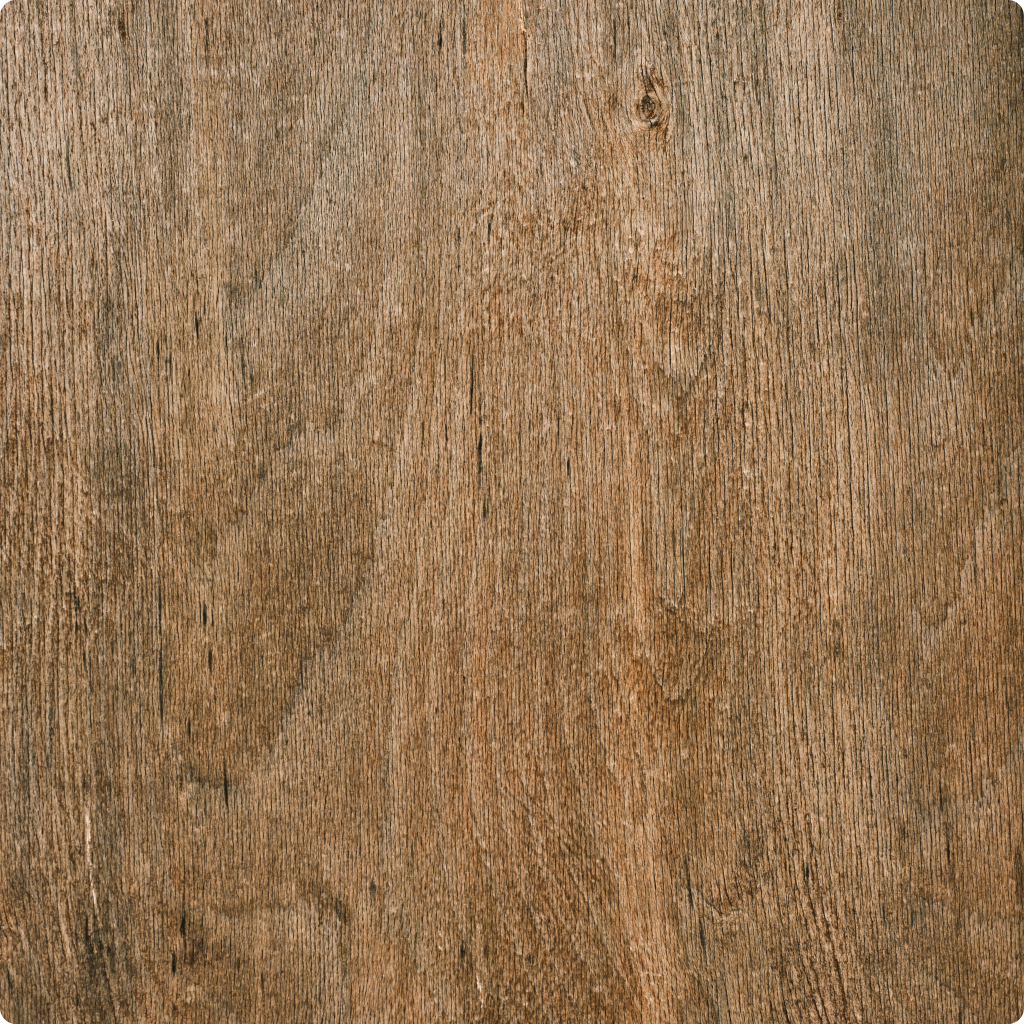
White Oak Plank
North Grain
Wood
$14 / sq ft
A typical residential project is 50–100 product orders from dozens of vendors. The specification has to feed the client, the invoice, and the purchase order. Object & Order is studio software for that chain — not a generic board with a furniture skin.
01
A schedule instead of a spreadsheet. Item cost, markup, shipping, and client price on the line — with images, comments, and a path to a purchase order.
02
A dashboard instead of a PDF. They sign in, see what you publish, comment on the item, and pay invoices in the same place.
03
Bill from the schedule, from time, or a free-form line. Order through Object & Order, or track a self-sourced purchase. You keep the markup.
Contacts, inbox, tasks, and time sit next to the schedule.
Create projects, assign people, set status, and keep schedules on the job.
Sections, line items, images, item cost, markup, shipping, and client price. Export PDF or CSV.
Name, images, vendor, SKU, specs, and files — reused on the next schedule.
Chrome clipper, or paste a URL. The product lands in the library.
Clients sign in. They see what you publish, comment on the item, and pay invoices.
PO-backed lines, free-form lines, time, payment schedules, Stripe. QuickBooks on a verified firm.
O&O-sourced or self-sourced. Required deposit gates O&O-sourced orders only.
Gmail or Outlook. Quote through delivery on the purchase order, plus carrier updates.
Board and list. Assign, date, done. Time can be logged on the task.
A timer on the project, or hours added later. Import unbilled time onto the invoice.
Connect Gmail or Outlook. Vendor mail sits with the project.
Clients, team, and vendor contacts — used to share the schedule and the dashboard.
Named the way the studio works. Open any one for the full page.
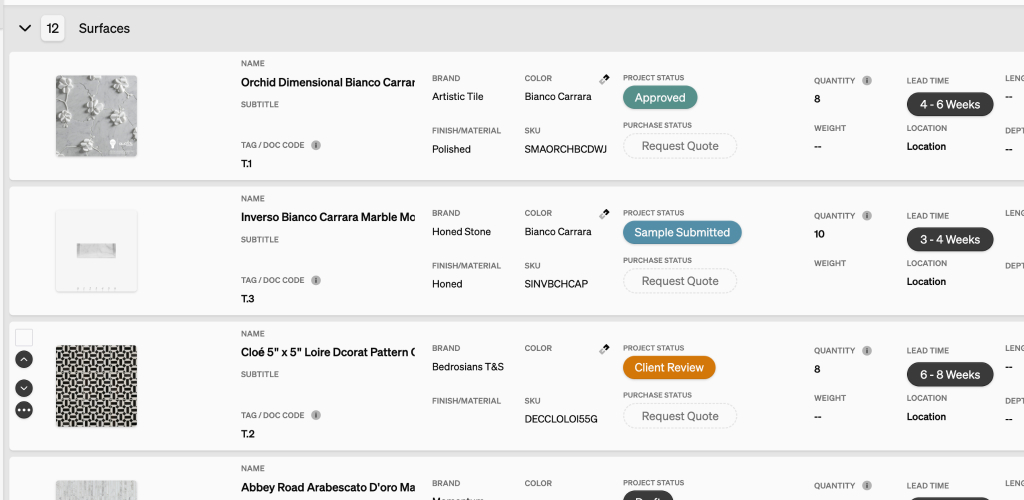
Specify products with images. Item cost, markup, shipping, and client price on the line. Export PDF or CSV.
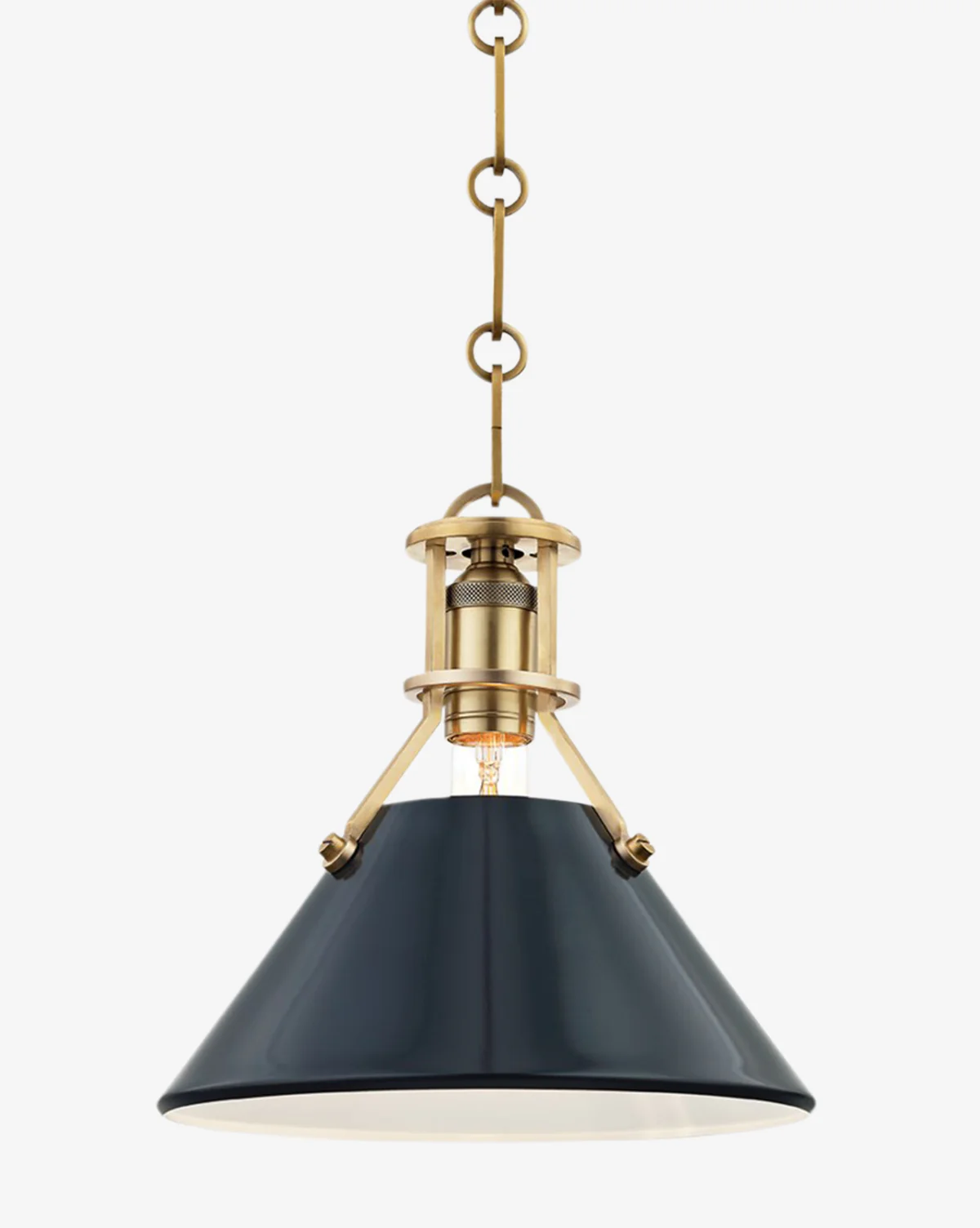
Chrome clipper, or paste a URL. Photos, details, and spec sheets land in the library.
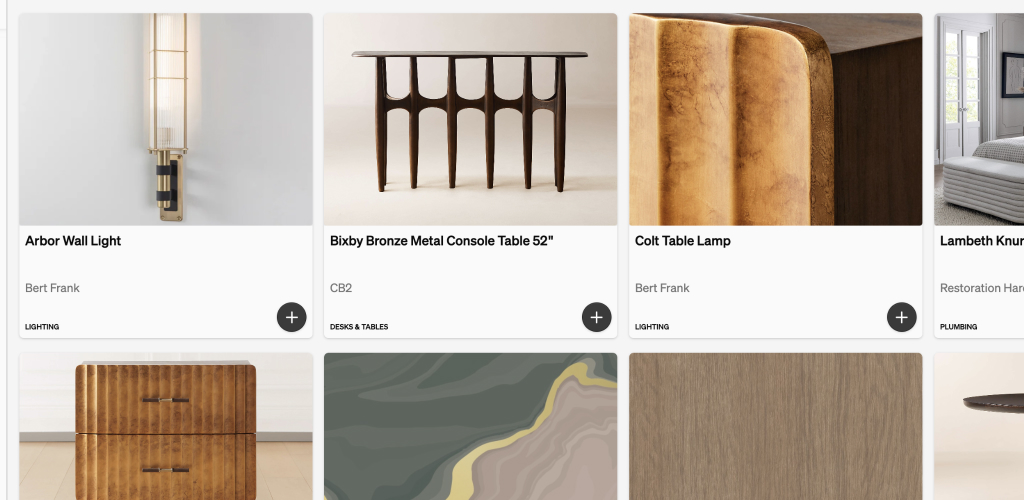
Search by name, vendor, or SKU. Add a saved product to the next schedule without retyping the spec.
Clients sign in with a link, email, or Google. They see the published schedule, comment on the item, and pay invoices.
Pull purchase-order lines, import time, or add a free-form line. Stripe is included. The client pays from the dashboard.
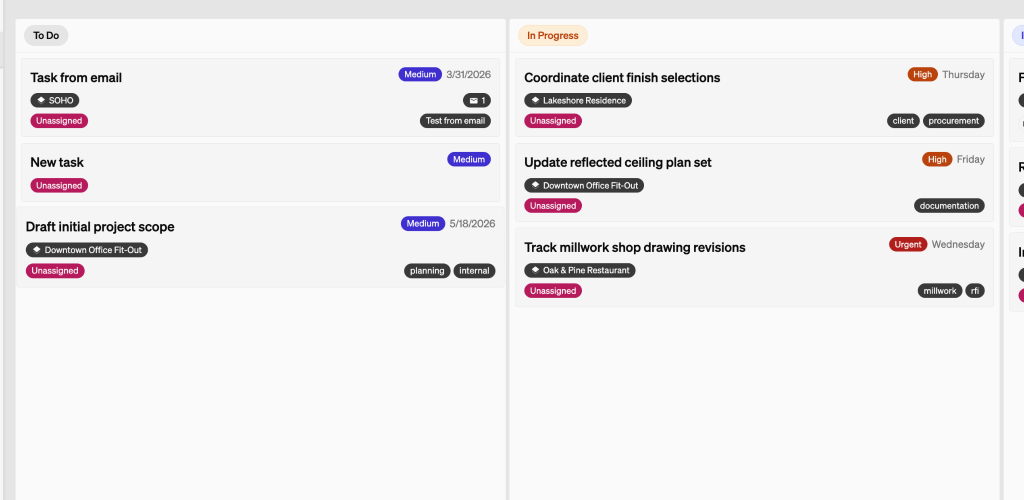
Start a timer on the project, or add hours later. Import unbilled time onto the invoice.
A board when you want flow. A list when you want to scan. Assign a person and a date. Not a Gantt.
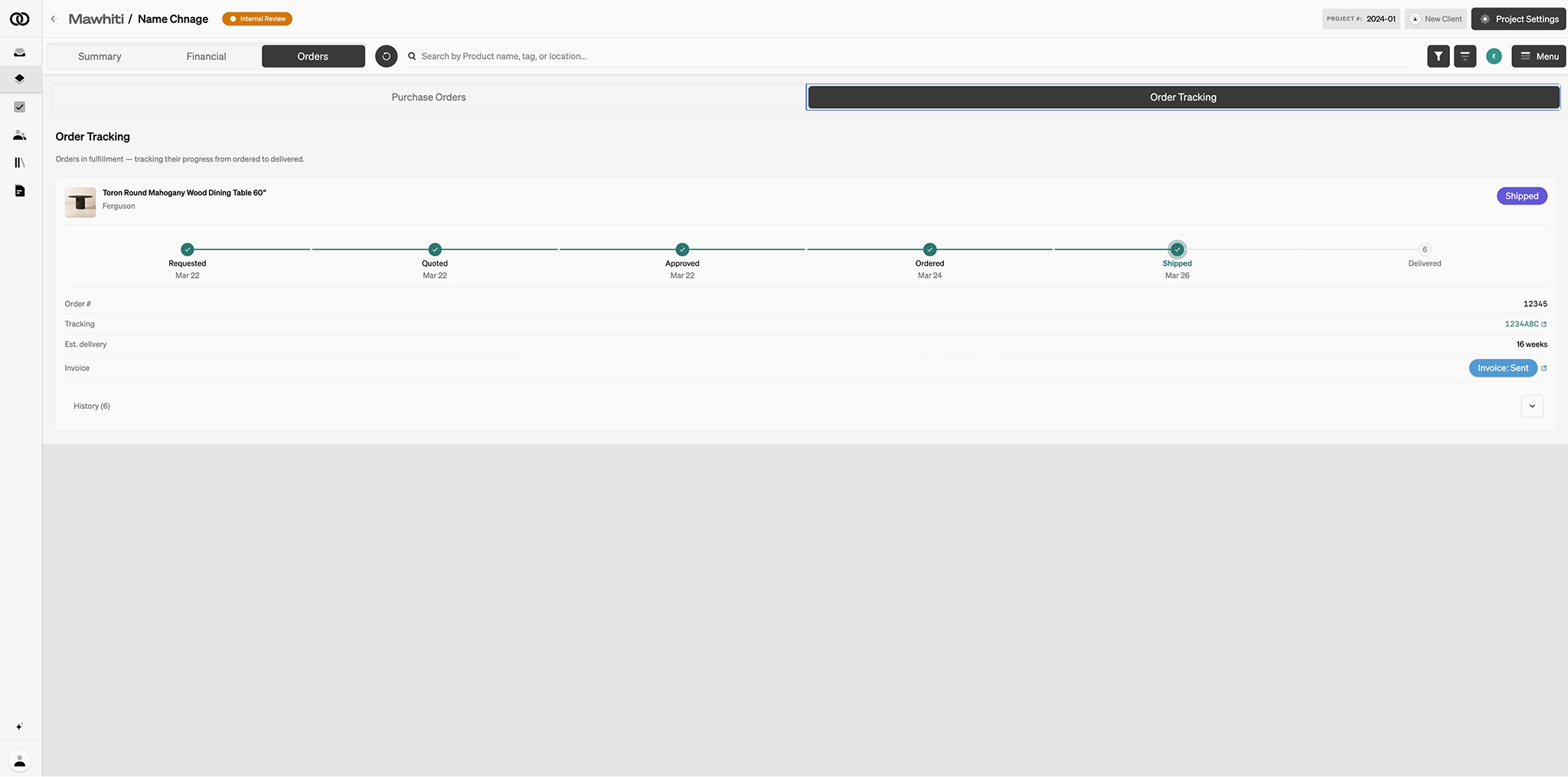
Connect Gmail or Outlook. Status lives on the purchase order — requested, quoted, ordered, shipped, delivered.
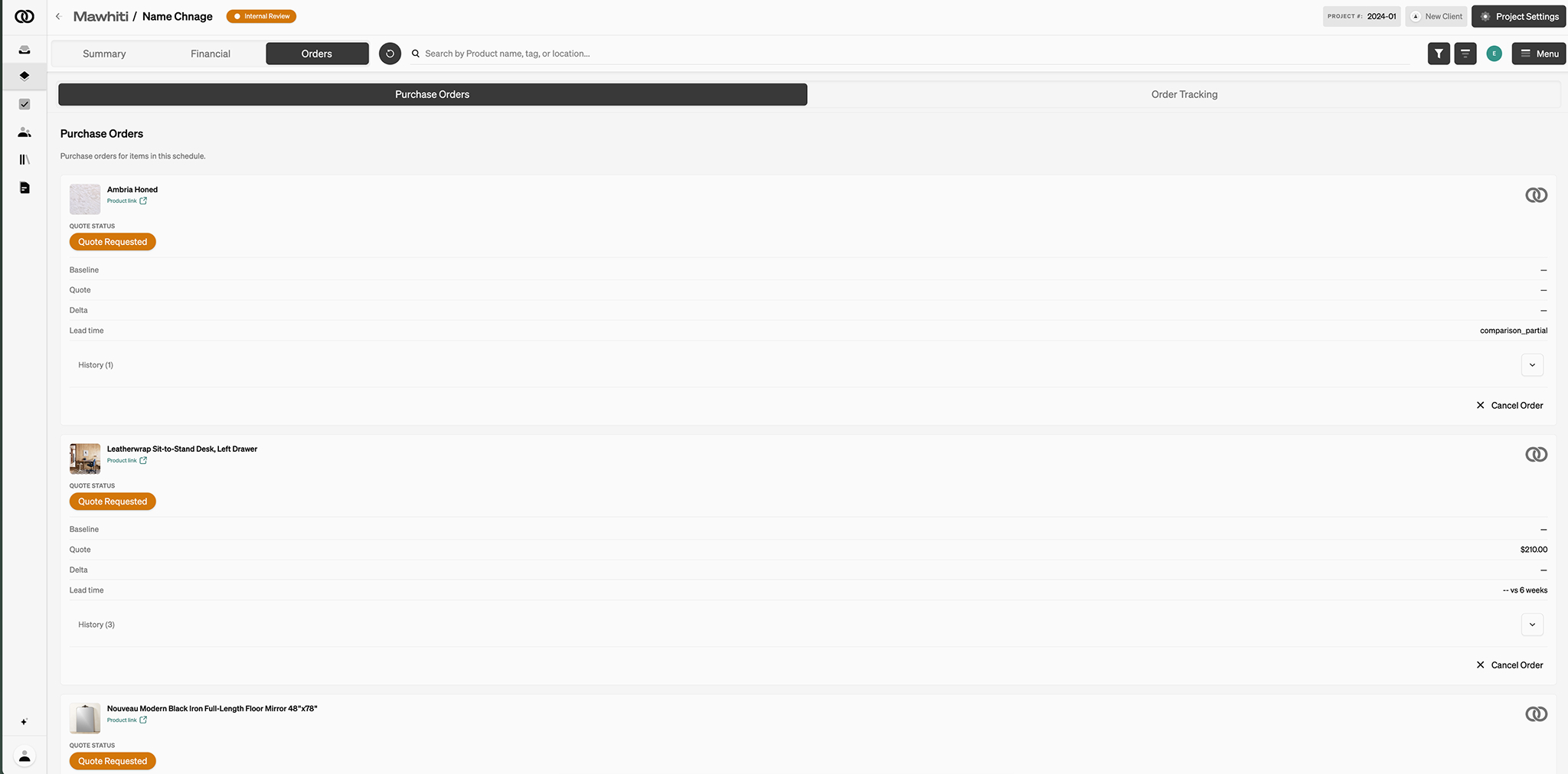
Object & Order can place the order after the required amount is collected, or you order and we still track. You keep the markup.