01
Chrome clipper
Install it. Open a vendor page. Save the product.
Web Clipper
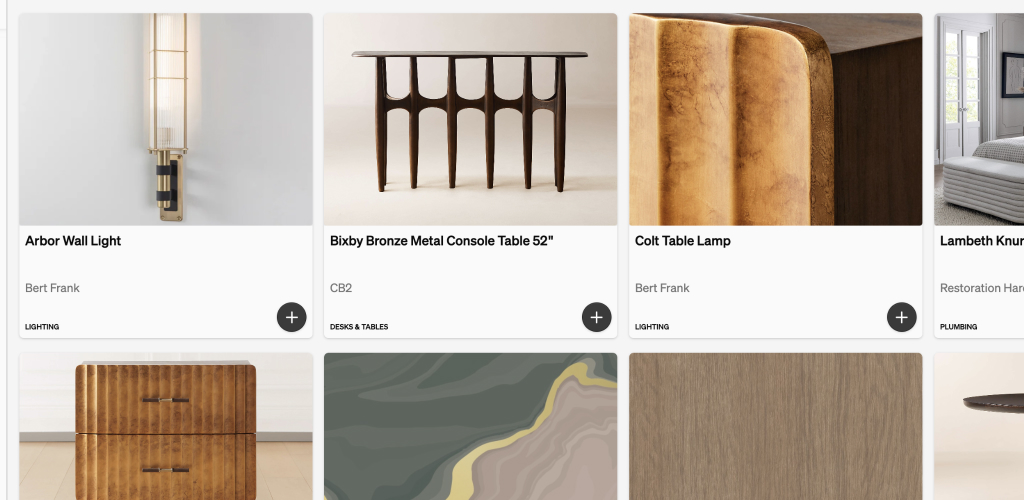
Photos, details, spec sheets — off the vendor site and into your library.
The product is already on the page. Stop rebuilding it in a spreadsheet.
01
Install it. Open a vendor page. Save the product.
02
Already in Object & Order? Paste the link. We parse what we can.
03
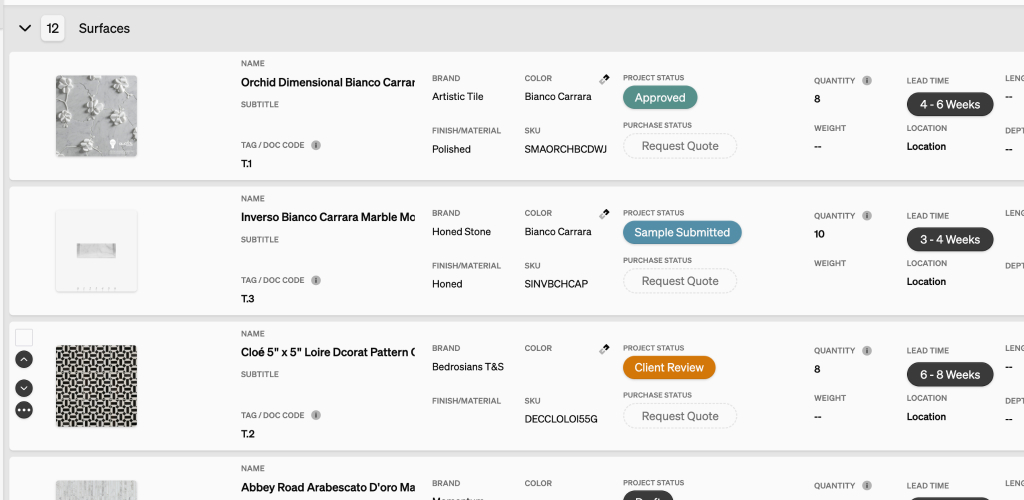
The studio can find it. You can add it to a schedule.
Clip photos, details, and spec sheets while you browse. Then specify from the library instead of from memory.