01
From the schedule
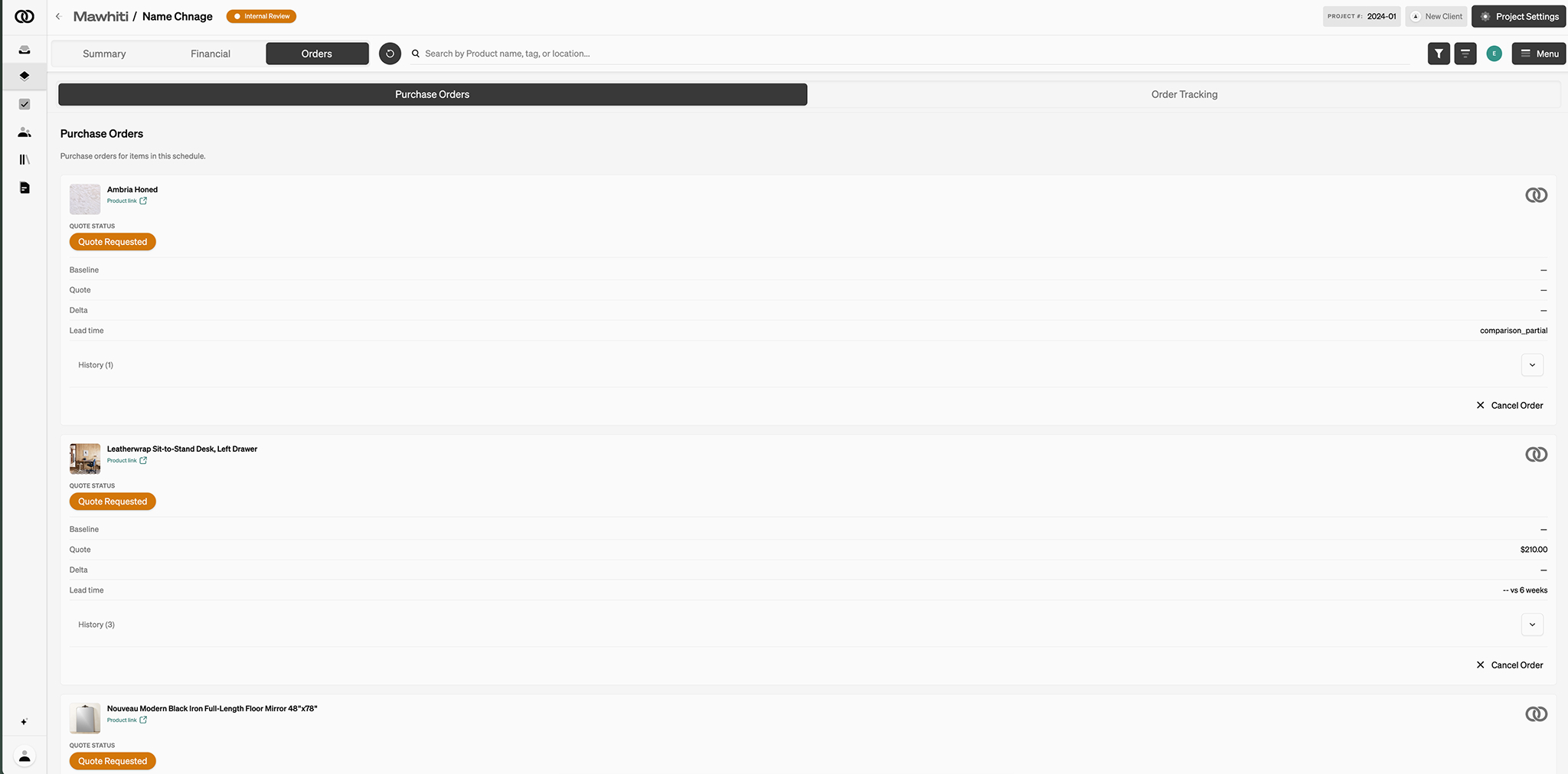
Pull purchase-order lines with the prices you already set.
Invoicing
Pull purchase-order lines, import unbilled hours, or add a free-form line. The client pays from the dashboard.
Note: Small fee applied only to placed orders.
The products are on the schedule. The hours are on the timer. Design fees are a free-form line. The invoice should assemble that — not start from a blank page in another tool.
01
Pull purchase-order lines with the prices you already set.
02
Import unbilled hours. Group them how you bill.
03
Design fees, retainers, custom charges — not only goods.
A deposit now and a balance later. Tax on the line. A professional invoice that goes out as your studio.
Note: Small fee applied only to placed orders.
See what is open and overdue. Record a payment that arrived as a check. Credit when you need to. Sync QuickBooks when the firm is verified.
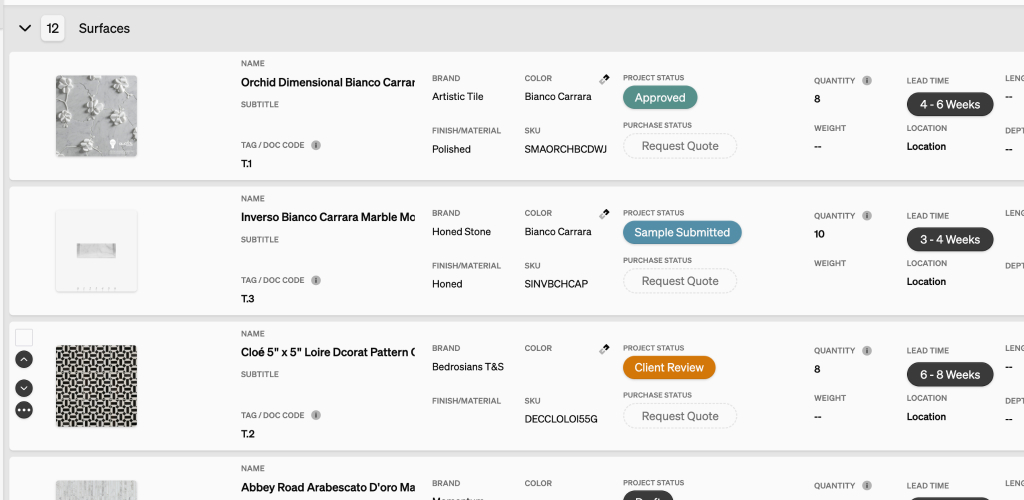
Specify products with images. Item cost, markup, shipping, and client price on the line. Export PDF or CSV.
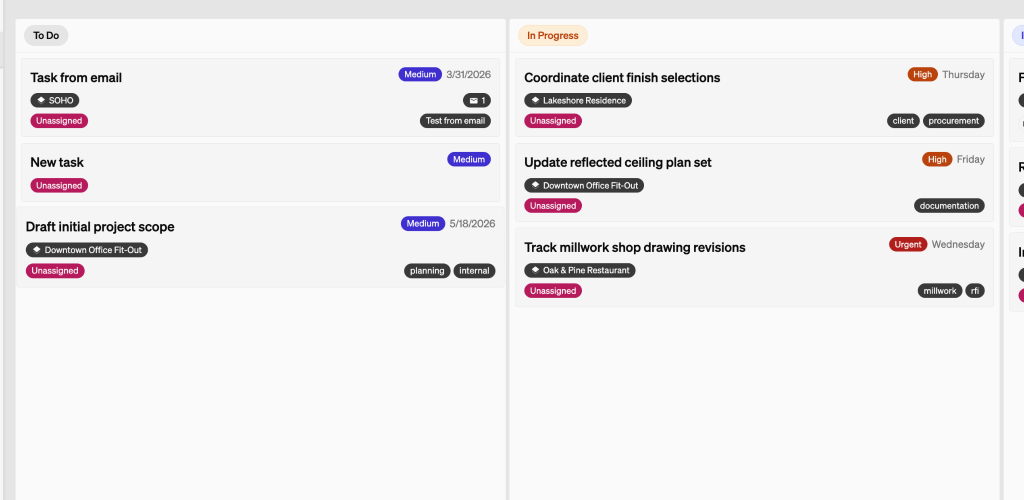
Start a timer on the project, or add hours later. Import unbilled time onto the invoice.
Clients sign in with a link, email, or Google. They see the published schedule, comment on the item, and pay invoices.
Object & Order can place the order after the required amount is collected, or you order and we still track. You keep the markup.