Tasks
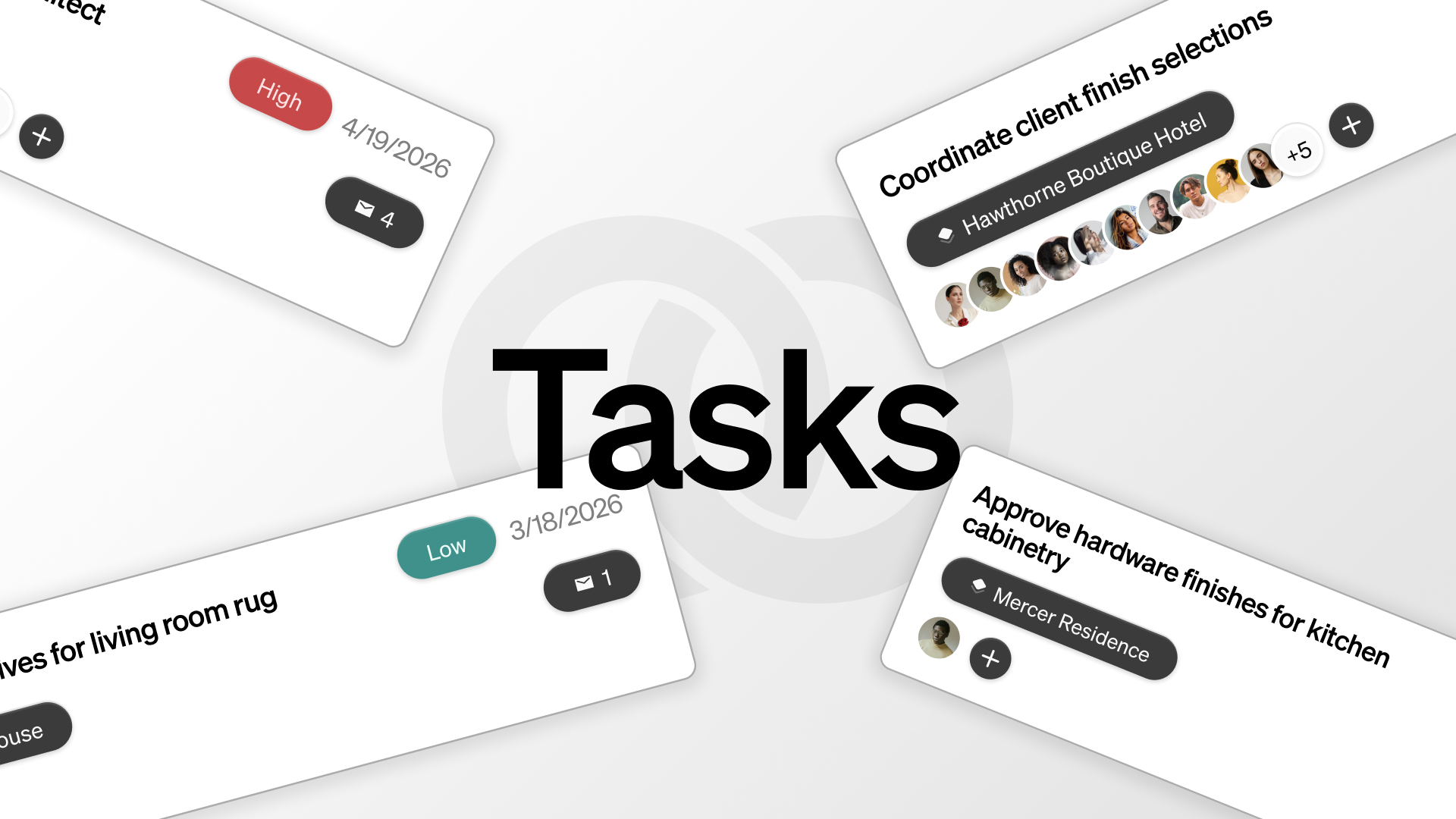
Track assignments, priorities, due dates, and status in one task board.
By Object & Order Team
Tasks hold the day-to-day together — sourcing, approvals, revisions, follow-ups, vendor questions. Object & Order gives them a real home, with status, priority, due dates, and assignments.
A board for the studio, a board for the project
The studio-wide board shows everything assigned to you and your teams. The project board shows only that project. The columns are the same — To Do, In Progress, In Review, Done — and drag-and-drop moves the work along. On narrow screens the board collapses to a list.
Context without the context switch
You can attach full email threads directly to a task. Whoever picks up the assignment can read the entire conversation right there, without ever having to leave the app or dig through their inbox.
Assign to a person, a team, or both
Tasks can be given to individual designers, to whole teams, or to a mix. If a task requires a specific eye, assign it directly to that person. If it just needs to be picked up by the next available member of the procurement team, assign it to the group or project. Everyone knows exactly what’s on their plate, and nothing falls through the cracks.